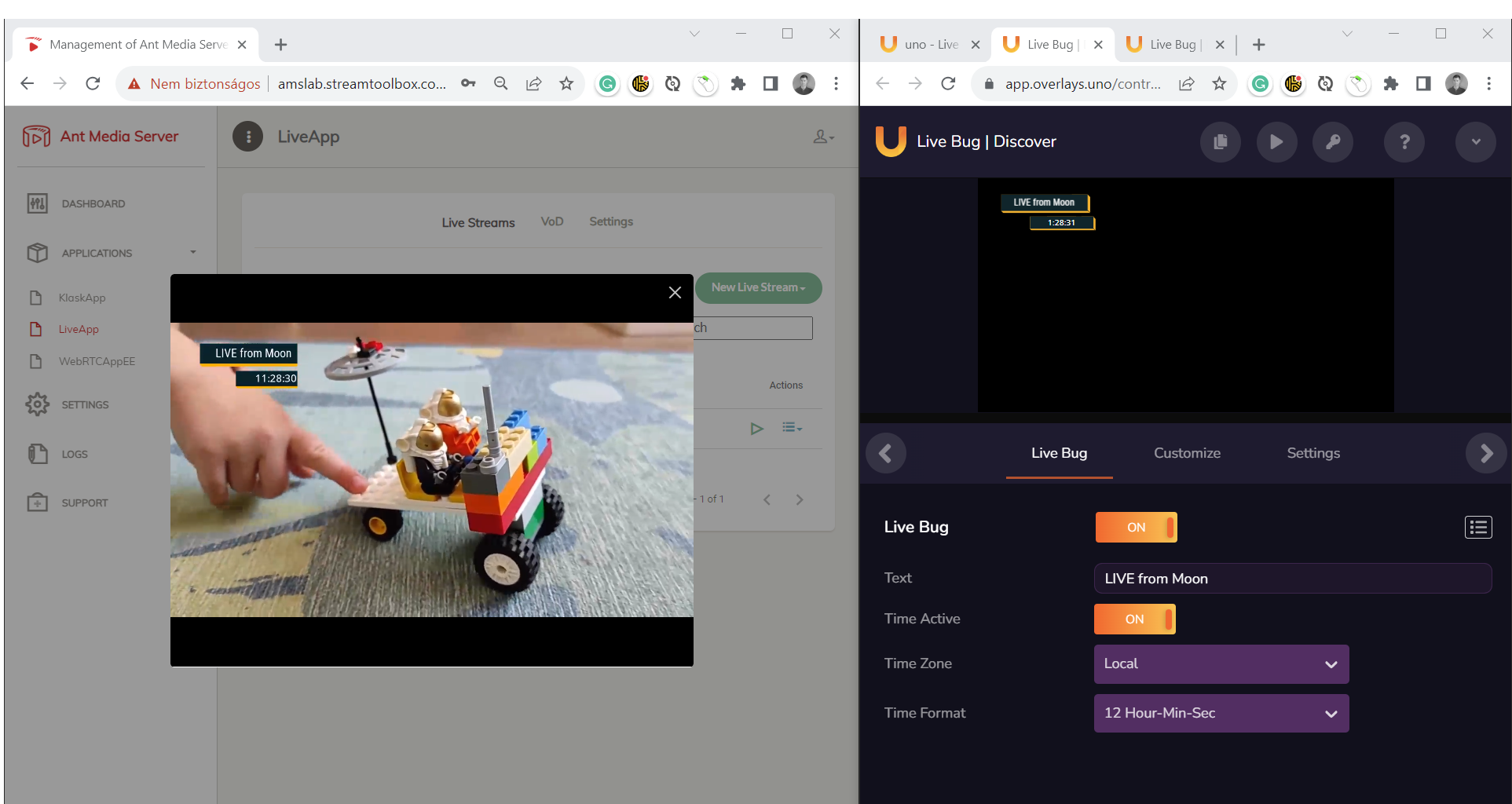
Example API calls
Here is an illustration of API calls that can give you a kickstart.
You can grab this as a Postman collection
Watermark in the top-left corner of the video
Place a watermark in the corner from local file system on the live stream. You can also replace the image attribute with base64 encoded image (data:image/png;base64,iVBORw0KGgoAAAAN….) or URL (http://example.com/image.png). Animated GIF files are also supported.
curl --location --request POST 'http://localhost:5080/LiveApp/rest/stamp/instructions'
 --header 'Content-Type: application/json' --data-raw '
{
  "id": "watermark-1",
  "start":"now", "end":"2100.01.01 00:00:00.000",
  "image": "/tmp/live-logo.png",
  "position":{"x":10,"y": 10, "z":2, "anchor":"top-left"}
}
'
Text in the middle of the screen with fade-in
Displayed with 5 second fade-in for 120 seconds and then removed.
curl --location --request POST 'http://localhost:5080/LiveApp/rest/stamp/instructions'
 --header 'Content-Type: application/json' --data-raw '
{
    "id": "myText1",
    "start": "now",
    "duration": 120,
    "text": "Hello Stamp",
    "position": {"x": 0.5, "y": 0.5, "anchor": "center-center"},
    "style": {"font":"Verdana", "size":40, "style": "bold", "color": "yellow"},
    "transitionIn": {"type": "fade", "duration": 5},
    "shadow": {"radius": 3 }
}
'
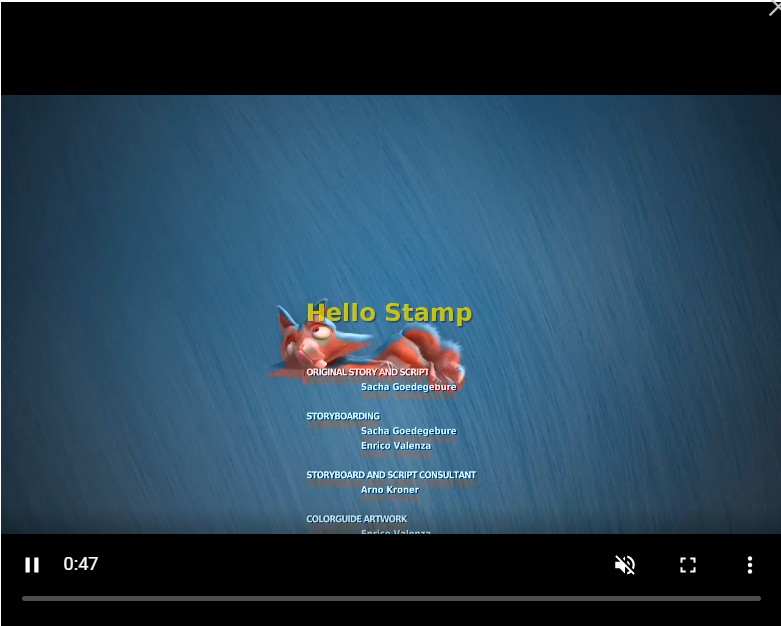
Image downloaded from external URL
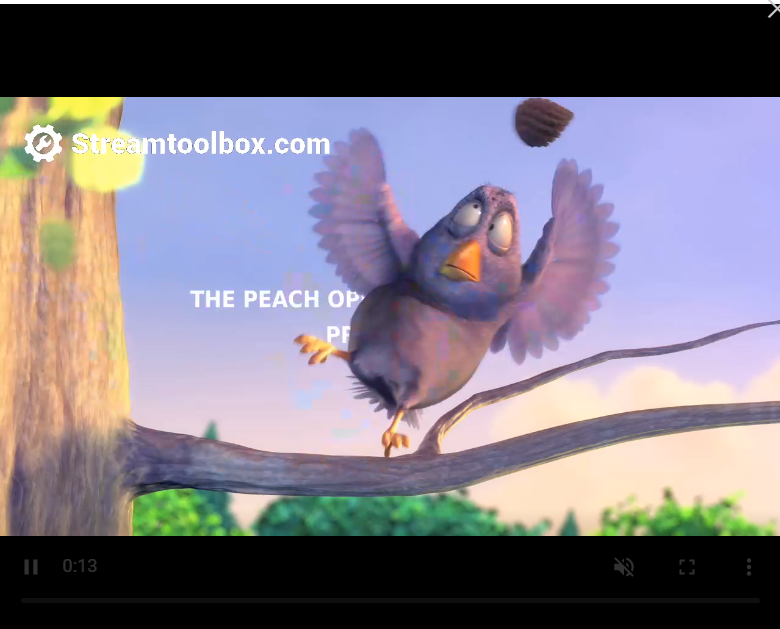
Delayed with 2 seconds after sending in, faded in, kept and then faded out.
{
    "id": "img-1234",
    "start": "now+2",
    "duration": 30,
    "image": "https://streamtoolbox.com/images/streamtoolbox-white-transparent-logo.png",
    "position": {"x": 100, "y": 100, "anchor": "top-left"},
    "transitionIn": {"type": "fade", "duration": 5},
    "transitionOut": {"type": "fade", "duration": 5}
}
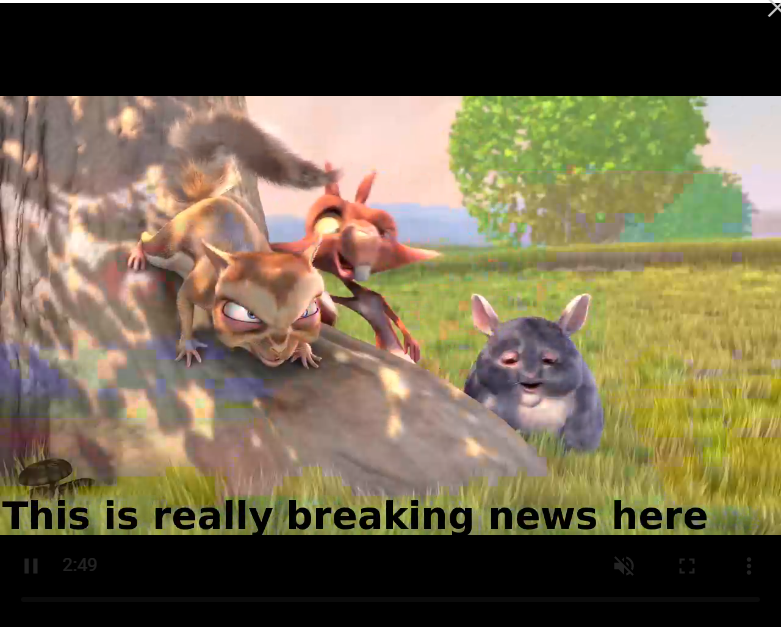
Ticker at the bottom of the screen
{
  "start": "now+1", "end": "2100.12.31 12:00:00",
  "text": "This is really breaking news here",
  "position": {"x": 0.5, "y": 0.9},
  "style": {"font":"Verdana", "size":62, "style": "bold", "color": "yellow"},
  "transitionIn": {"type":"ticker", "speed": 4}
}
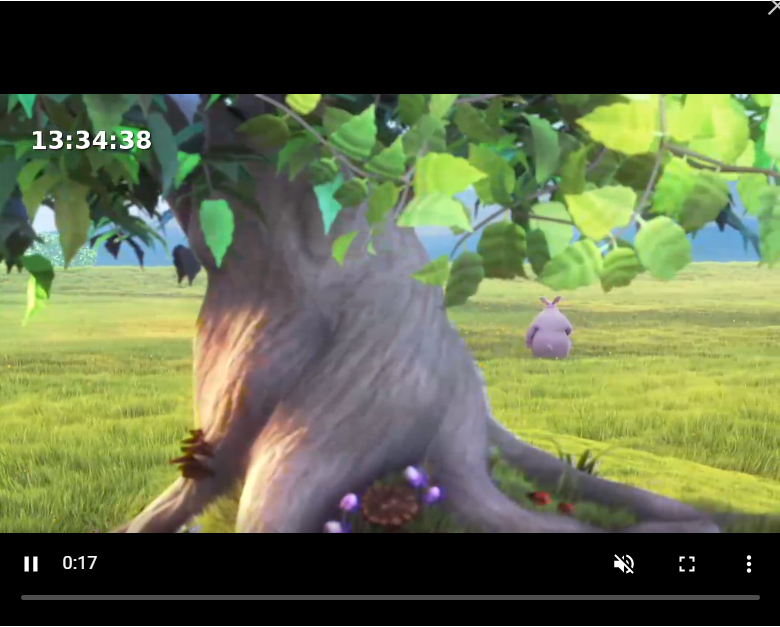
Big clock in the top left corner
{
  "clock":"HH:mm:ss",
  "start":"2000.01.01 00:00:00.000","end":"2100.01.01 00:00:00.000",
  "style": {"font":"sansserif", "color":"#ffffff","style":"bold","size":40},
  "position":{"x":100.0,"y":100.0,"z":2,"anchor":"top-left"}
}
HTML Overlay using overlays.uno
You can register on http://overlays.uno for a free account and grab your own
overlay. Swap the url in the below example to your own custom output url that you can control.
You can use the cropWidth, cropHeight options to trim the HTML overlay to a smaller
rectangle and get better performance by not processing the transparent areas unnecessarily.
{
  "id": "overlay1",
  "start":"2000.01.01 00:00:00.000","end":"2100.01.01 00:00:00.000",
  "html": {
      "url": "https://app.overlays.uno/output/2VgYWfN6uPom34Mf9LhU2t?aspect=16x9"
  },
  "position":{"x":0,"y":0,"z":2,"anchor":"top-left"}
}